GigaBash
Passion Republic Games

Unleash epic battles as colossal Kaiju and Heroes in fully destructible arenas!
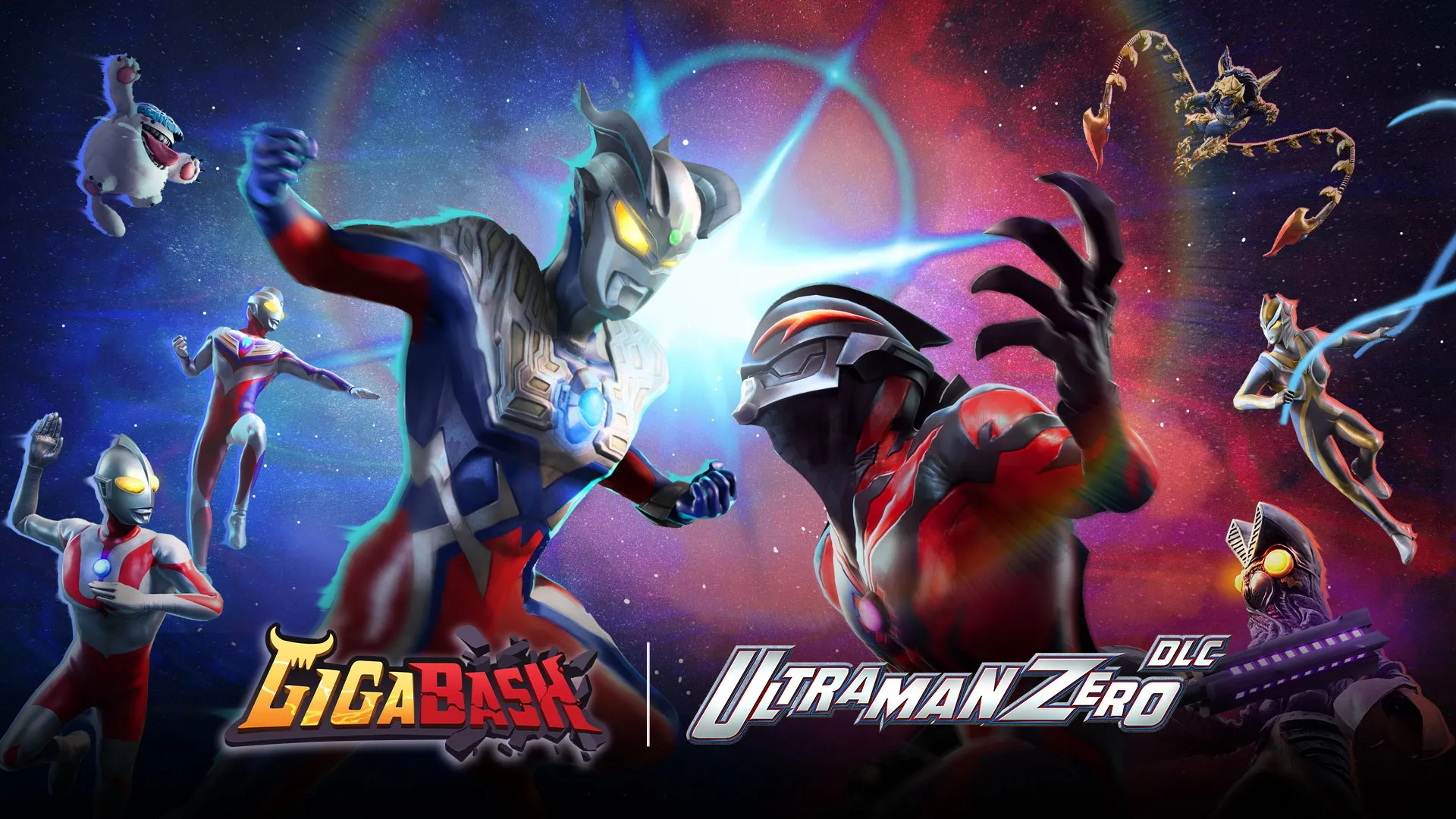
This DLC adds "Ultraman Zero" and "Ultraman Belial", two iconic Ultras who are each other's antithesis, as seen in their 2009 classic "Mega Monster Battle Ultra Galaxy: The Movie" debut forms.
Passion Republic Games
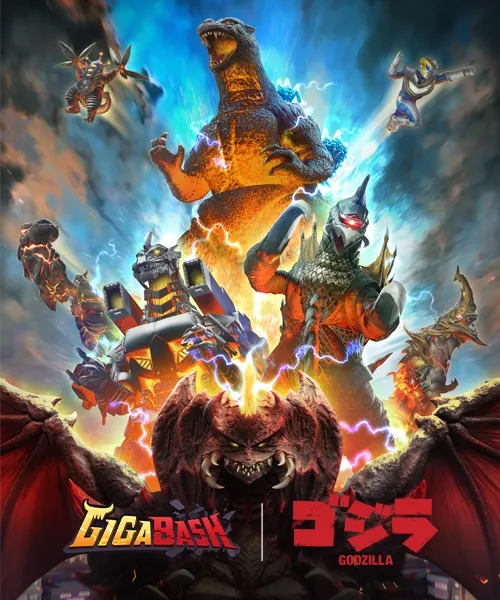
GigaBash - Godzilla 4 Kaiju Pack DLC
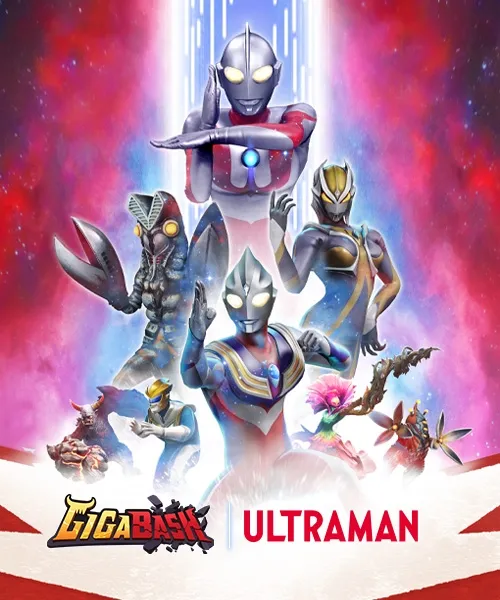
GigaBash - Ultraman 4 Characters Pack DLC
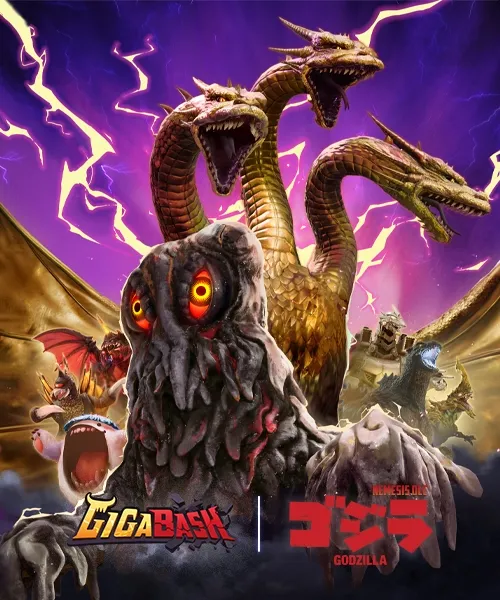
GigaBash - Godzilla: Nemesis DLC
GigaBash - Mighty DLC: R.O.J.A.K. & Balzarr
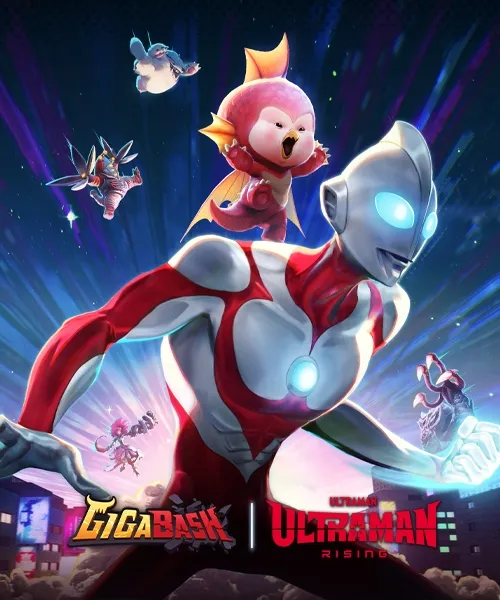
GigaBash - Ultraman: Rising DLC
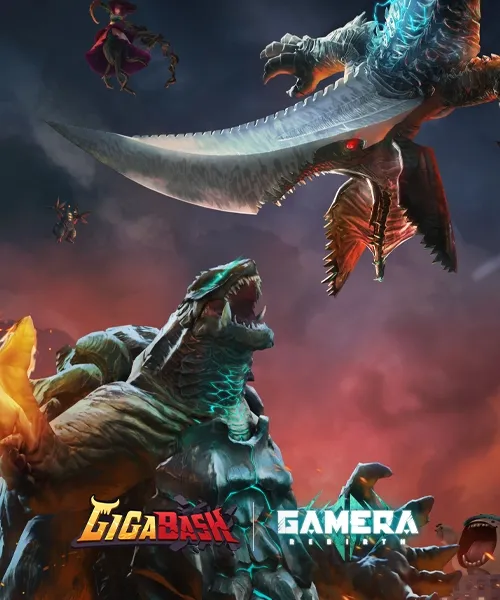
GigaBash - GAMERA -Rebirth- DLC
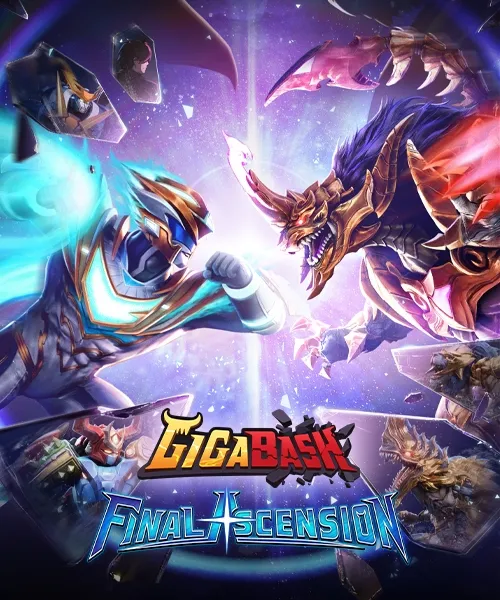
GigaBash - Final Ascension DLC
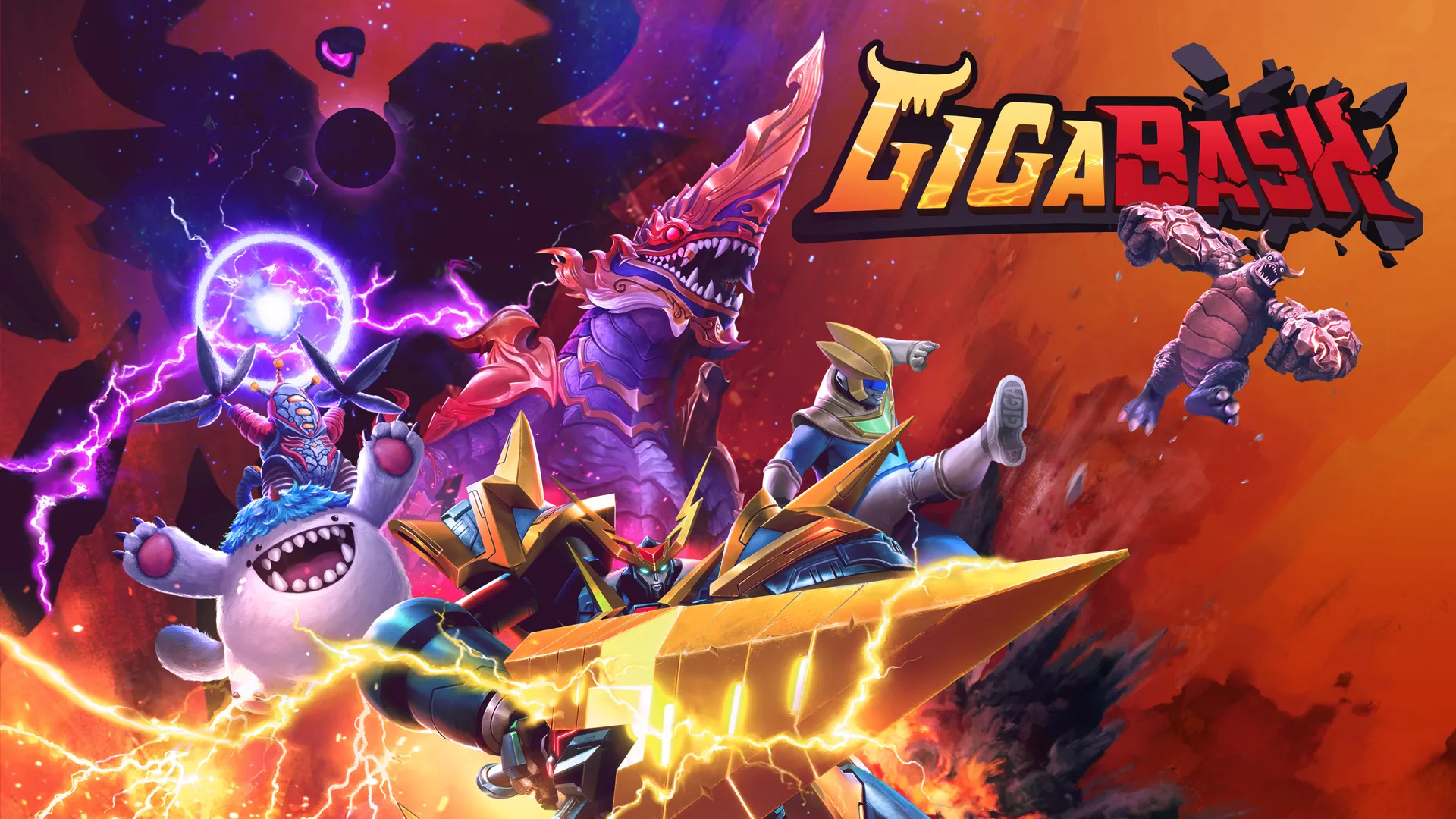
About the game
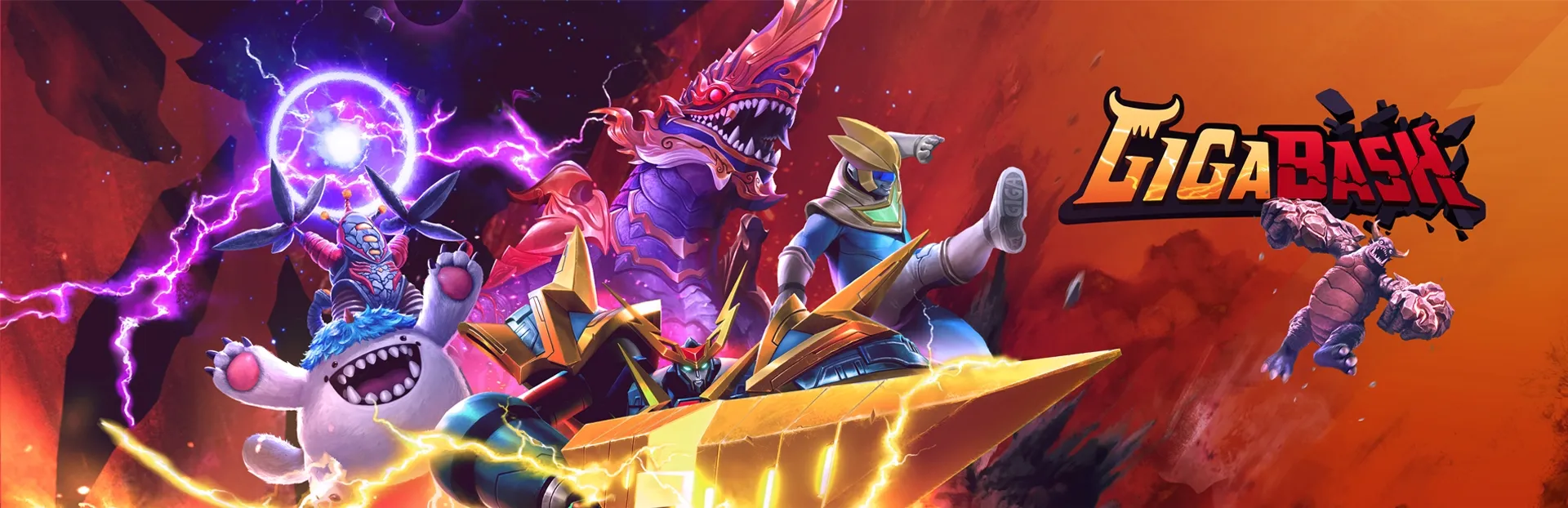
Claim your place as king of Titans! GigaBash is the ultimate Kaiju Fighting Game for 1-4 players, where you battle as film-inspired Kaijus and heroes in destructible cityscapes. Take on endless waves in Onslaught Mode, uncover Titan origins in Story Mode, or dominate friends in Battle Mode online or locally. With epic transformations, wacky minigames, and multiple game modes, GigaBash delivers endless monster mayhem for everyone!
Official store
Trusted. Transparent. Reliable.
Secure payment
Only verified payments methods
To activate a CD key on Steam, follow these steps:
If you encounter any issues during activation, please see this Retail CD Keys article for more info. If problems persist, you may contact Xsolla Customer Support at Xsolla Help Center.
Interface: English, French, Italian, German, Spanish - Spain, Japanese, Korean, Polish, Simplified Chinese, Traditional Chinese, Russian, Portuguese - Brazil, Indonesian, Malay.
Subtitles: English, French, Italian, German, Spanish - Spain, Japanese, Korean, Polish, Simplified Chinese, Traditional Chinese, Russian, Portuguese - Brazil, Indonesian, Malay.
If you have any issues with your purchase, please email us at support@xsolla.com or simply click on the customer support button located on the bottom left of the homepage to start a live chat. In rare cases, it may take up to a few minutes for emails from Xsolla Mall to deliver.